Follow your train of thought.
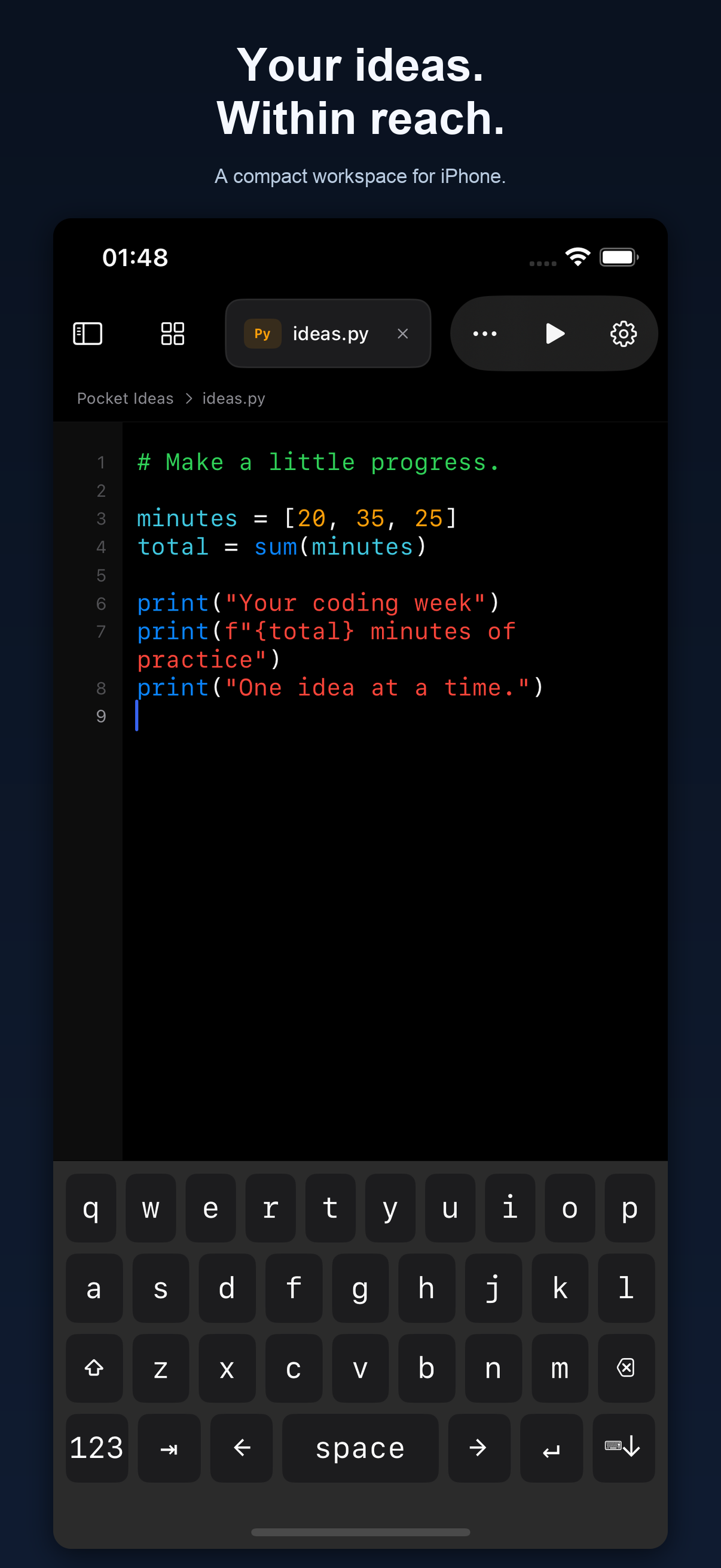
A native editor with split panes, tabs, search and language-aware suggestions. Keep related files side by side, with touch or a hardware keyboard.
 Code Workroom IDE
Python · C · C++ / Made for iPad
A free IDE for iPad. Run Python, C and C++ projects locally, step through Python in the debugger, and practise with free exercises beside your code.
In development. Not released yet.
One place to work it out
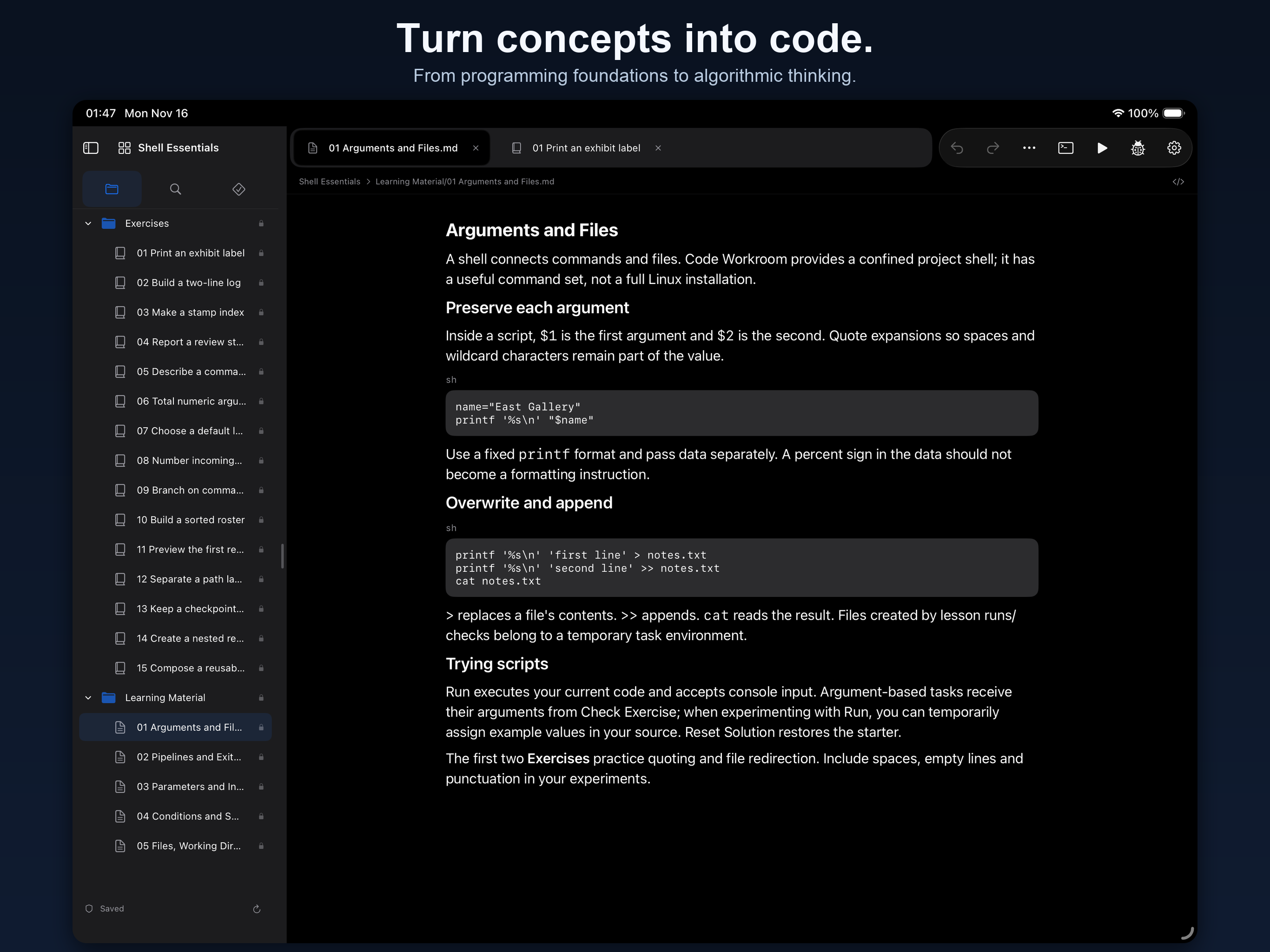
Ordinary projects and guided learning share the same workspace. Move between exploring an idea and understanding how it works.
A native editor with split panes, tabs, search and language-aware suggestions. Keep related files side by side, with touch or a hardware keyboard.
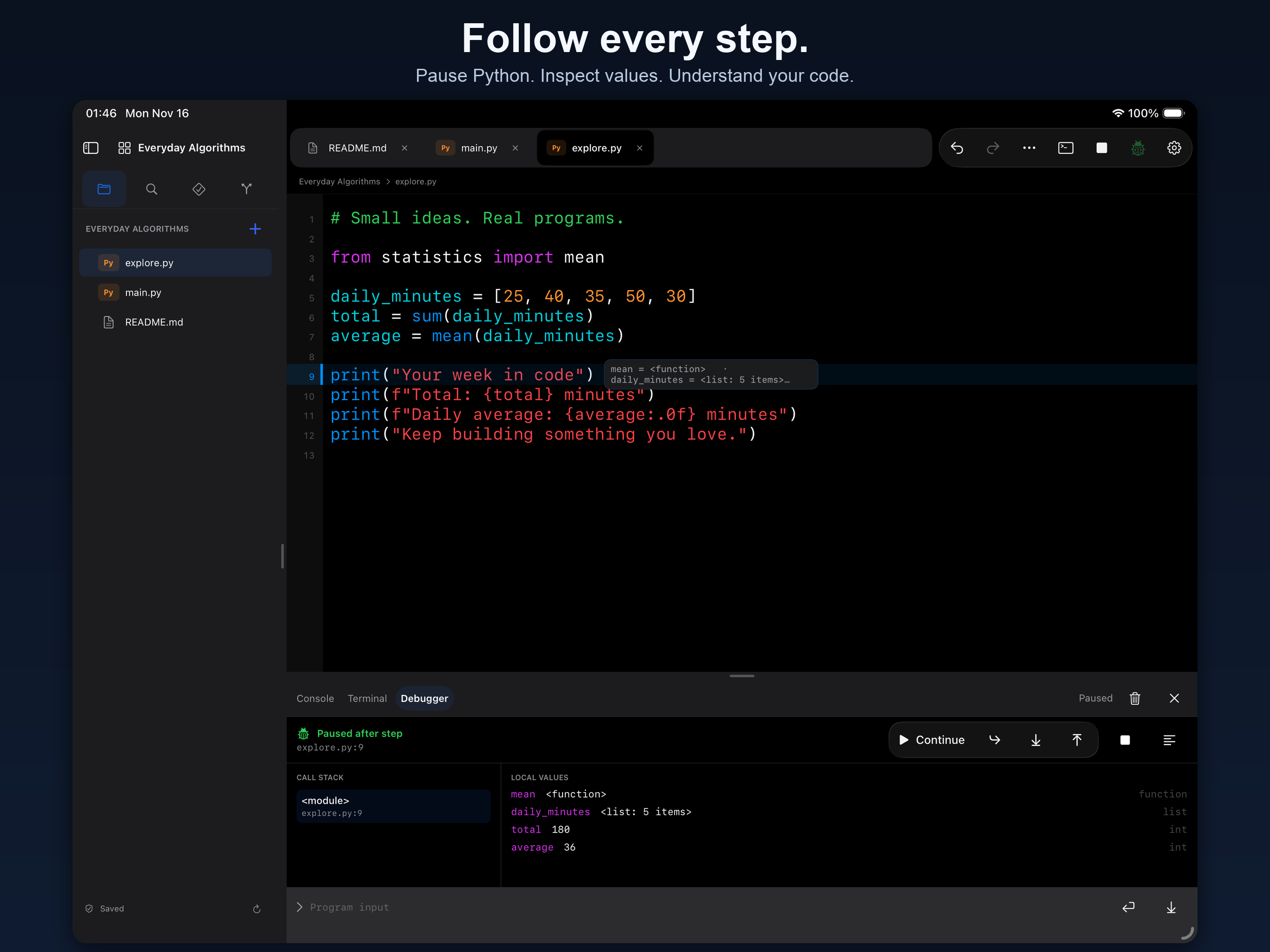
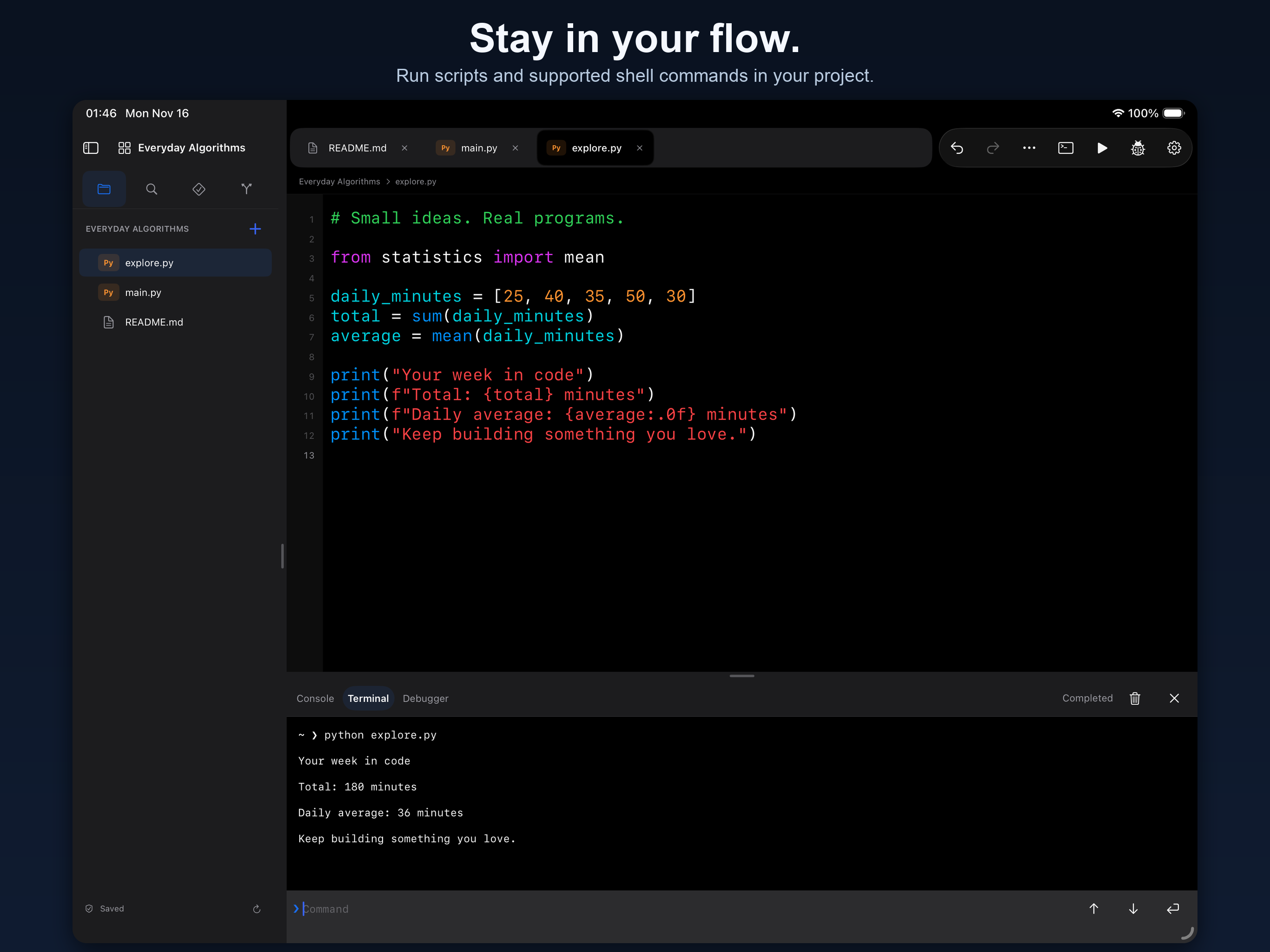
Python, C and C++ runtimes come with the app. Run local projects, work with console input, and step through Python with breakpoints and local values.
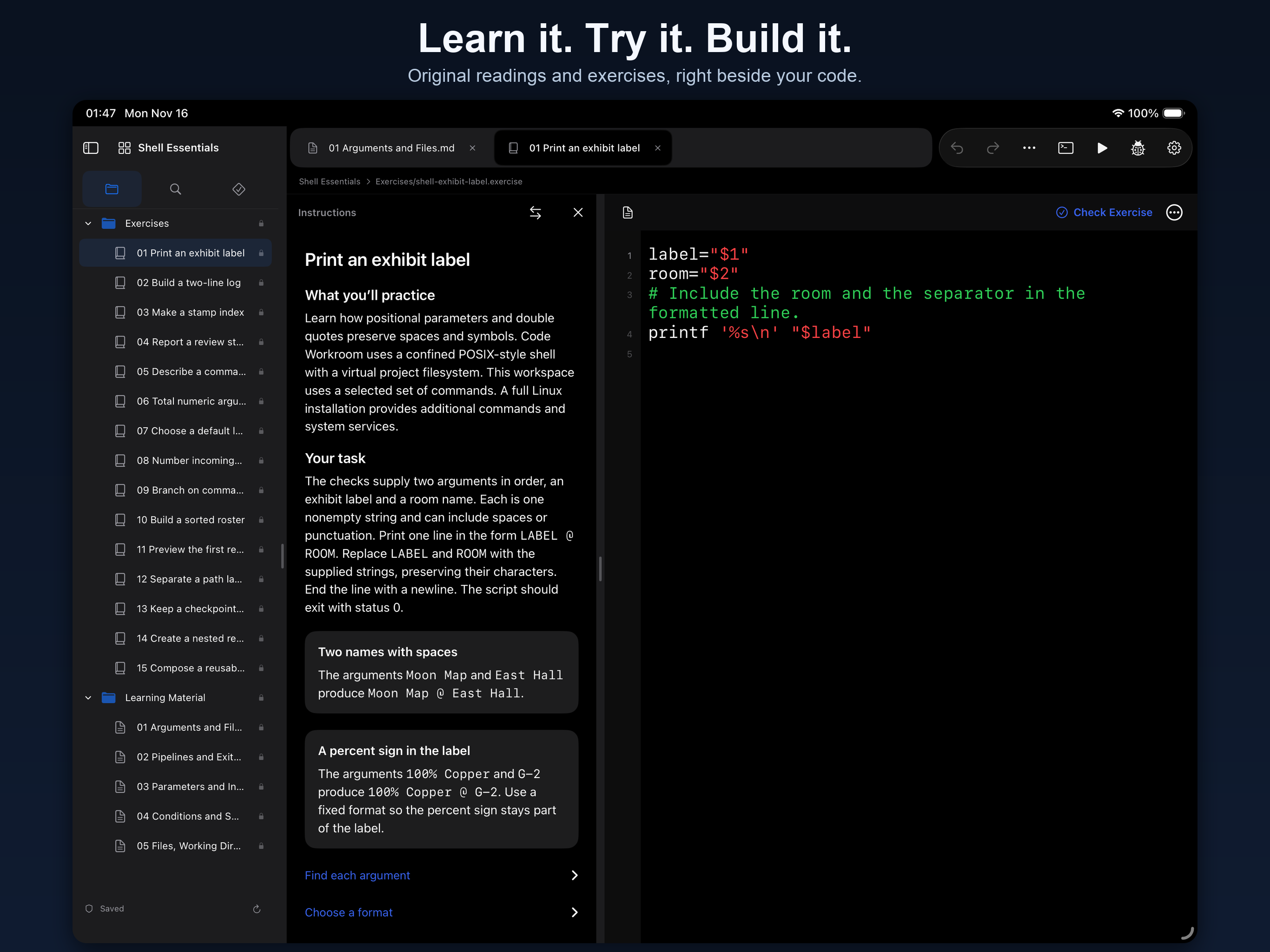
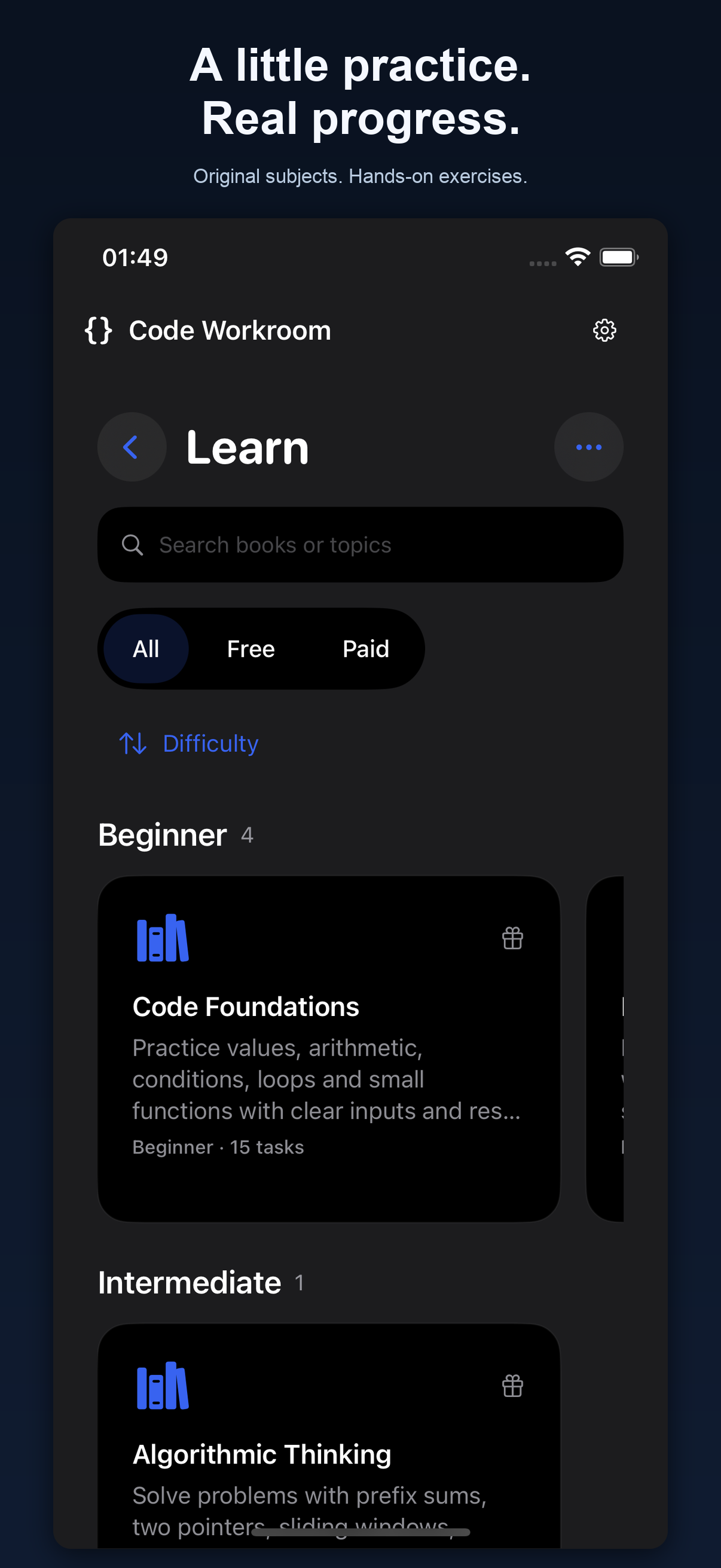
Learn through original readings and coding challenges, with plenty of free material to explore. Write a solution, try your own input, and check it against the exercise cases. Keep the explanation beside your code as you practise.
Local source history and recovery tools help you revisit changes. Use Git for commits and branches, and choose when to clone, fetch or push to an HTTPS remote.
On your device. At your pace.
Projects, source history and learning progress are stored locally. The app has no developer-hosted account, advertising or analytics. Git credentials stay in the device’s Keychain; remote Git transfers happen when you request them.
Local editing, bundled runtimes and accessible learning material work offline. On supported devices, optional on-device tools can complete an identifier, answer a question about your code or draft a Git commit summary. You review a proposed code edit before applying it.
The project shell supports a defined set of commands. It is not an unrestricted Linux terminal, and the app does not install arbitrary native packages or extensions. Source debugging is currently for Python; C and C++ can compile and run. Keep independent copies of work you cannot afford to lose.
Inside the workspace
Real app captures on iPad and iPhone. Open any image for a closer look.
Built with care, still taking shape
Have a question, an idea, or a workflow you care about?
Get in touch ↗